Large Language Model (LLM)
We have included GPT model and Jupyter Notebook. Users can ask to generate different types of plots similar to the ChatGPT app that are not available by default in Robin. To enable the AI assistant, users need to provide an API key and select a model name specific to the provided API key and see the AI-generated results in the top right corner.
Users can generate plots with their own interests using their uploaded dataset, even if those plots are not provided by default in Robin.
Users can edit the AI-generated code using the integrated Jupyter Notebook.
To get your OpenAI API Key, please follow the instructions at this link
Use your own AI agent
- If you want to use result data with your own AI agent, we provide a results download option. To download the results file:
Select your result data, e.g., remData.
Press the Download Selected button.
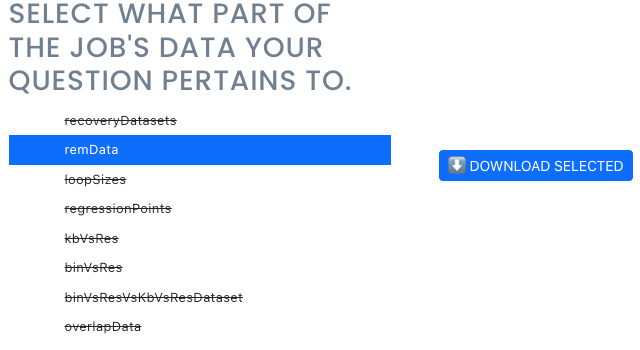
You will see a *.json file.
Upload the downloaded data into your AI agent and analyze it your own way.
Explanation of Result Data
All our result data generated with Robin are stored in JSON format. Below is an explanation of individual data files:
overlapData: This file contains all combinations of overlap showen in Overlap analysis tab.
loopSizes: This file contains the average loop size data for every individual loop callers.
binVsRes: This file contains results of the relationship between bin and sequencing depth showen in first plot of Regression analysis tab.
kbVsRes: This file contains results of the relationship between resolution and sequencing depth showen in second plot of Regression analysis tab.
binVsResVsKbvsResDataset: This file contains the results for regression analysis showen in last two plots of Regression analysis tab.
regressionPoints: This file contains the regression points showen in last two plots of Regression analysis tab.
recoveryDatasets: This file contains the result data of individual protein (e.g., CTCF) recovery results showen on first two plots in Protein analysis tab.
remData: This file contains the result data of individual protein (e.g., CTCF) Recovery Efficiency Rate (REM) results showen on last two plots in Protein analysis tab.